Picking a streaming box should not feel like decoding a spec sheet. Yet the moment you start shopping, you are buried in acronyms, chipset numbers, and confident-sounding claims that all blur together. We built this guide to cut through that noise. Our team helps Canadians get set up with premium streaming every day, and we have learned exactly which hardware details actually change your experience on the couch, and which ones are just marketing.
The Right IPTV Box Changes Everything About Your Experience
Your subscription delivers the channels, but your box decides how they feel. A capable streamer loads guides instantly, switches channels without hesitation, and holds a rock-steady picture during the busiest live events. An underpowered one stutters, freezes on menus, and turns a great service into a frustrating one. Think of the box as the engine behind your screen. When that engine is strong, everything downstream just works, which is why we always tell Canadians to treat the box as an investment rather than an afterthought.
These Are the Main Types of IPTV Boxes You Will Compare
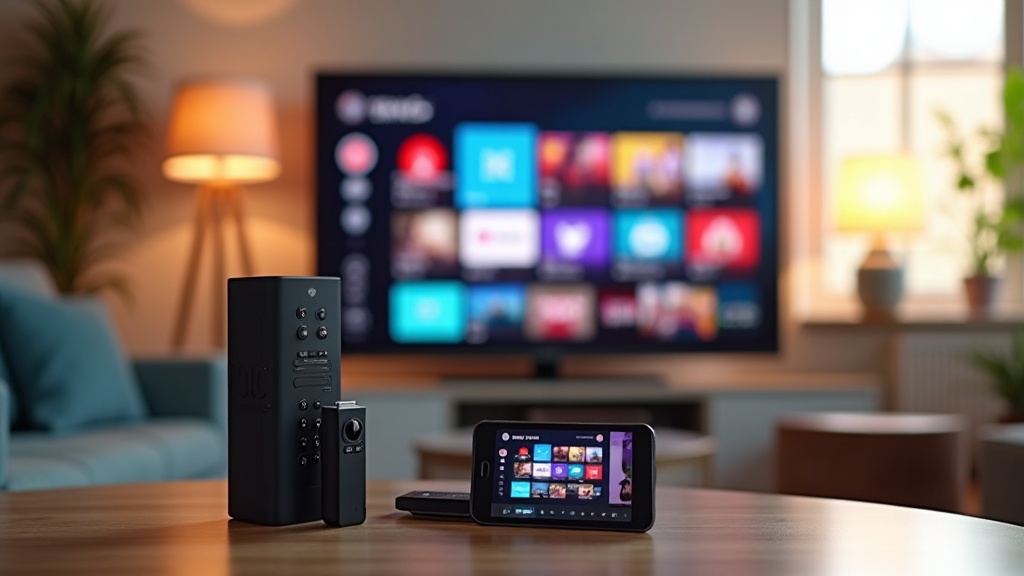
There is no single "IPTV box" category, which is exactly why shopping feels confusing. In practice, you are choosing between a few distinct families of device. Android TV boxes are the most popular choice: they run a full app ecosystem, update over time, and let you install the player you prefer. Dedicated set-top boxes, including MAG-style units, are purpose-built for streaming and tend to be extremely stable. Smart TV sticks and dongles are compact and travel-friendly, though they usually carry less RAM and weaker Wi-Fi. For most Canadian homes, an Android TV box or a dedicated set-top box hits the sweet spot.
RAM and Processor Decide Whether Your Box Feels Fast or Frustrating
If you remember only two specs, make them these. Look for a quad-core processor at minimum — this handles decoding your video stream while simultaneously rendering menus and channel guides. For memory, 2GB of RAM is our recommended floor, and more is better if you multitask. RAM is what lets the interface stay responsive when you are scrolling a long channel list. Boxes with only 1GB can technically run, but they bog down quickly. Pairing a strong processor with generous RAM is the single most reliable way to future-proof your purchase.
Real 4K and HDR Support Is Worth Confirming Before You Buy
"4K" is printed on nearly every box these days, but the label does not always match reality. To get the picture you are paying for, three things need to line up: the box, your TV, and your internet connection. Confirm the box supports genuine 4K at 60 frames per second and modern HDR formats. Then make sure your TV can actually display it, and that your connection can keep up. When all three align, the difference in sharpness and depth is genuinely striking. If any one falls short, a strong 1080p setup will still look excellent, so do not overspend on 4K you cannot yet use.
Ethernet and Strong Wi-Fi Keep Your Stream Rock Solid
Buffering is almost always a connection problem, not a channel problem. Whenever possible, we recommend a box with a wired Ethernet port. A cable delivers the most stable, consistent connection you can get, immune to interference and congestion. For live sports and big events, wired is the gold standard. If running a cable is not practical, insist on dual-band Wi-Fi at minimum. A box with weak, single-band Wi-Fi is a common source of frustration, so treat connectivity as a headline feature, not fine print.
Storage and Ports Determine How Much Your Box Can Grow
Beyond raw speed, a few practical details shape how comfortable a box is to live with. Internal storage matters more than people expect — more space means room for your apps and updates. We suggest a healthy amount of onboard storage, plus a microSD slot or USB port so you can expand later. Check the HDMI version as well, since a current HDMI output ensures full compatibility with 4K and HDR. Finally, consider the little things: a responsive remote, easy voice search, and a clean interface all add up to a box that feels effortless.
Match the Box to How You Actually Watch
The "best" box is not universal, it is the one that fits your household. If you mostly watch on one main TV and want the simplest possible experience, a dedicated set-top box that boots straight into streaming is hard to beat. If you like installing extra apps and keeping your options open, an Android TV box gives you room to grow. We would gently steer you away from the cheapest possible option; a mid-range box with solid RAM, a quad-core chip, and good connectivity will serve you far longer. Once you have chosen your box, our team is happy to help you get started so your first night of streaming is a smooth one.
Setup Is Simpler Than You Think
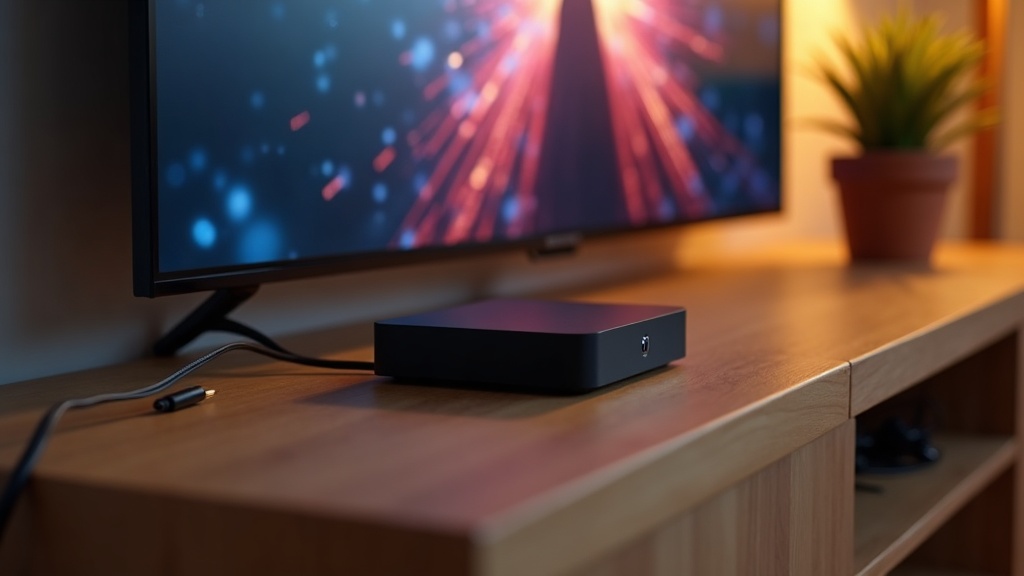
Getting a new box running is refreshingly straightforward. Connect it to your TV via HDMI, plug it into power, and join your network by Ethernet or Wi-Fi. From there, you install or open your streaming app, sign in with the details from your subscription, and you are watching within minutes. A few habits keep things smooth long term: restart the box occasionally to clear its memory, keep the software updated, and position it where it is not trapped in a cabinet. If you ever hit a snag, you can always reach out through our support team.
Frequently Asked Questions
What is the best IPTV box in 2026?
The best box in 2026 is one with a quad-core processor, at least 2GB of RAM, genuine 4K HDR output, and reliable Ethernet or dual-band Wi-Fi. Rather than chasing a single model, match those specs to your TV and internet. Our team can point you toward hardware that fits your setup when you get in touch.
What is the best box to play IPTV on?
For most Canadians, an Android TV box offers the ideal blend of app support, performance, and flexibility, while a dedicated set-top box wins on simplicity and stability. Both are excellent when they carry strong internals. The right pick depends on whether you value app choice or a clean, single-purpose experience.
Do I need an expensive box for good streaming?
Not necessarily. You do not need the priciest option, but we would steer you away from the cheapest. A mid-range box with a quad-core chip, 2GB or more of RAM, and solid connectivity delivers a smooth experience that lasts. Spending a little more than rock-bottom is where the real value lives.
How much RAM does an IPTV box need?
We recommend 2GB of RAM as a practical minimum, with more being better if you multitask or install several apps. RAM keeps the interface responsive when you are scrolling long channel guides or switching between live content. Boxes with only 1GB tend to feel sluggish and age poorly.
Is an Android TV box or a MAG-style box better?
Neither is universally better; they suit different people. Android TV boxes give you a broad, upgradable app ecosystem and voice search. MAG-style set-top boxes boot straight into streaming and stay extremely stable because they focus on one job. Choose based on whether you want flexibility or simplicity.
Can I use Wi-Fi, or do I need Ethernet?
Wi-Fi works well with a strong dual-band connection, but Ethernet is the gold standard for stability. If you can run a cable to your box, especially for live sports, do it. If not, prioritize a box with robust dual-band or modern Wi-Fi to keep buffering at bay.