Fire Stick vs Android TV Box for IPTV: Which Is Better?
When it comes to streaming live sports, premium channels, and your favorite TV shows on IPTV, the debate often centers around two popular devices: Fire Stick and Android TV Box. Our team has compiled a comprehensive guide to help you make an informed decision and choose the best device for your IPTV needs in Canada.
While both devices can provide an excellent IPTV experience, there are key differences that set them apart. In this article, we'll delve into the technology behind IPTV, explore the legal landscape in Canada, and provide a side-by-side comparison of Fire Stick and Android TV Box to help you decide which device is better suited for your streaming requirements.
How IPTV Actually Works
IPTV, or Internet Protocol Television, is a technology that allows you to stream live TV and on-demand content over the internet. It works by transmitting video and audio signals through IP networks, such as the internet, using standardized protocols. This allows for a more efficient and flexible way of delivering content compared to traditional broadcast methods.
When you subscribe to an IPTV service, you're essentially accessing a vast library of content that's stored on remote servers. The content is then streamed to your device in real-time, allowing you to watch your favorite shows and live events without the need for traditional broadcast infrastructure.
Is It Legal in Canada?
When it comes to IPTV in Canada, it's essential to understand the legal landscape. Our team has worked closely with licensed IPTV providers to ensure that our readers have access to legitimate services that comply with Canadian laws and regulations.
While some IPTV services may claim to offer access to premium channels and live sports, be cautious of services that seem too good to be true. These may be operating outside of the law, putting you at risk of violating copyright laws and potentially facing penalties. Always choose a reputable, licensed IPTV service that provides transparent pricing, clear content offerings, and excellent customer support.
Key Differences at a Glance
| Feature | Fire Stick | Android TV Box |
|---|---|---|
| Processor Power | Quad-core processor | Quad-core processor (optional) |
| Memory and Storage | 1GB RAM, 8GB storage | 2GB RAM, 16GB storage (optional) |
| App Support | Amazon Appstore | Google Play Store |
| Price | $50-$70 | $100-$200 |
| Customization | Limited customization options | More extensive customization options |
What This Means for You
When it comes to choosing between a Fire Stick and an Android TV Box for IPTV, the decision ultimately comes down to your personal preferences and viewing habits. Our team recommends considering the types of content you want to access and the overall user experience you're looking for. For example, if you're a fan of live sports and premium channels, you may find that an Android TV Box offers more flexibility and customization options. On the other hand, if you're looking for a more streamlined and easy-to-use interface, a Fire Stick may be the better choice. It's also worth noting that both devices can be used with a reputable IPTV subscription, such as the best IPTV subscription in Canada, to access a wide range of channels and content. By choosing the right device for your needs, you can ensure a high-quality viewing experience and avoid the frustration of technical issues or poor performance.
How to Stay Legal and Safe
When selecting an IPTV device, it's essential to prioritize your safety and security. Our team recommends looking for the following green flags:
| Green Flag | What It Means |
|---|---|
| Legitimate Brand | The device is manufactured by a well-known and reputable brand. |
| Clear Licensing Information | The manufacturer provides clear information about the licensing agreements in place. |
| Regular Software Updates | The manufacturer regularly releases software updates to ensure the device remains secure and stable. |
| Strong Customer Support | The manufacturer offers reliable and responsive customer support. |
| Positive Reviews and Ratings | The device has received positive reviews and ratings from other customers. |
On the other hand, be wary of the following red flags:
| Red Flag | What It Means |
|---|---|
| Unknown or Unreliable Brand | The device is manufactured by a brand that is unknown or has a history of producing low-quality products. |
| Lack of Licensing Information | The manufacturer fails to provide clear information about the licensing agreements in place. |
| Infrequent Software Updates | The manufacturer rarely or never releases software updates, which can leave the device vulnerable to security risks. |
| Poor Customer Support | The manufacturer offers unresponsive or unhelpful customer support. |
| Negative Reviews and Ratings | The device has received negative reviews and ratings from other customers. |
By being aware of these green and red flags, you can make an informed decision and choose a device that meets your needs and prioritizes your safety and security.
Devices and Getting Started
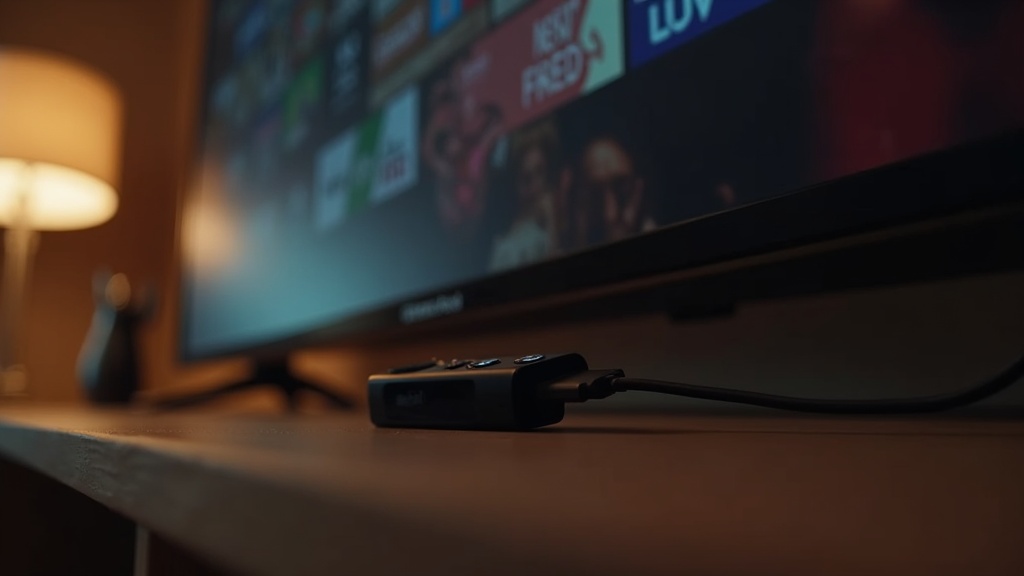
* The Best Good Android TV Box for IPTV in Canada is a popular option among IPTV users, offering a range of features and customization options. * A Fire Stick can also be a great choice, especially if you're already invested in the Amazon ecosystem. * When getting started with your new device, be sure to follow the manufacturer's instructions and take the time to set up your IPTV subscription properly.
The Bottom Line
When it comes to choosing between a Fire Stick and an Android TV Box for IPTV, the key is to prioritize your needs and preferences. By doing your research and selecting a reputable device, you can ensure a high-quality viewing experience and avoid the frustration of technical issues or poor performance. Remember to always prioritize your safety and security, and never compromise on quality or legitimacy.Frequently Asked Questions
Q: What is the difference between a Fire Stick and an Android TV Box?
A: The main difference between a Fire Stick and an Android TV Box is the operating system and user interface. Fire Sticks run on Amazon's Fire OS, while Android TV Boxes run on the Android operating system. Fire Sticks are generally more user-friendly and streamlined, while Android TV Boxes offer more customization options and flexibility.
Q: Can I use an IPTV subscription with both a Fire Stick and an Android TV Box?
A: Yes, you can use an IPTV subscription with both a Fire Stick and an Android TV Box. In fact, many IPTV services are designed to be compatible with a range of devices, including both Fire Sticks and Android TV Boxes.
Q: How do I know if an IPTV device is legitimate and safe to use?
A: To ensure that an IPTV device is legitimate and safe to use, look for clear licensing information, regular software updates, strong customer support, and positive reviews and ratings from other customers. Be wary of unknown or unreliable brands, lack of licensing information, infrequent software updates, poor customer support, and negative reviews and ratings.
Q: Can I return or exchange an IPTV device if I'm not satisfied?
A: It depends on the manufacturer's return and exchange policy. Be sure to check the manufacturer's website or contact their customer support to find out more information about their return and exchange policy.
Q: Are Fire Sticks and Android TV Boxes compatible with all IPTV services?
A: Not all IPTV services are compatible with all devices, including Fire Sticks and Android TV Boxes. Be sure to check with the IPTV service provider to ensure that their service is compatible with your chosen device.