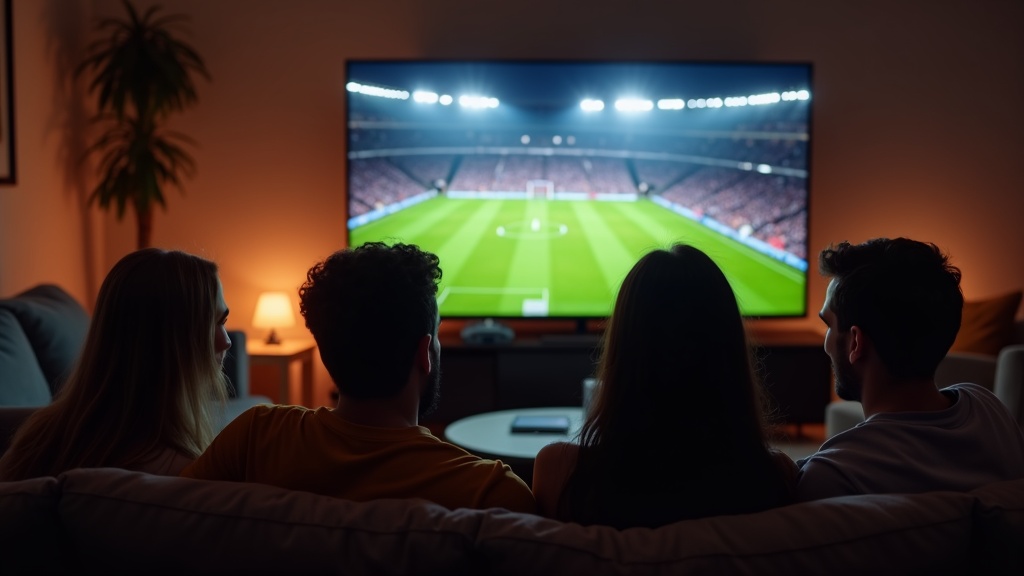
streaming-guide-2026">sports-live-streaming-guide-2026">Live sports are the most demanding type of IPTV streaming. Major events like UFC fights, NFL games, Premier League matches, and PPV events attract massive viewership, which can cause servers to work harder. If you experience buffering-fixes-smooth-streaming">buffering specifically during live sports, this guide is for you.
Why Sports Streams Buffer More
- High demand: Thousands of viewers watching the same channel simultaneously puts more load on servers
- High bitrate: Sports are typically broadcast at higher quality (60fps) which requires more bandwidth
- ISP throttling: ISPs are more likely to throttle during peak sporting events
- Wi-Fi congestion: Everyone in your household may be online during big events
Fix 1: Use a Wired Connection
This is the single biggest improvement you can make. Wi-Fi is unreliable for high-bitrate live streams. Use an Ethernet cable or an Ethernet adapter for your Fire Stick. The difference is night and day for live sports.
Fix 2: Use a VPN
Many ISPs throttle streaming traffic during major sporting events. A VPN encrypts your traffic so your ISP cannot detect and throttle it. Connect to a VPN server close to your location for the best speeds. See our VPN guide for recommendations.
Fix 3: Try a Different Channel Source
Major sporting events are usually available on multiple channels in your lineup. If one channel is buffering, try another. For example, a UFC event might be on both the PPV channel and a sports network. Some channels may be less congested than others.
Fix 4: Lower the Stream Quality
If your app supports it, switch from HD to SD quality during high-demand events. A smooth SD stream is better than a buffering HD stream. In TiviMate, long-press the channel and select a lower quality stream if multiple options are available.
Fix 5: Restart Before the Event
Before a big event starts, restart your streaming device and your router. This clears memory, refreshes your connection, and gives you the best starting point. Also close all other apps on your device.
Fix 6: Tune In Early
Start watching the channel 10-15 minutes before the event begins. This establishes your stream before the big rush of viewers connects at the start time. Streams that are already connected tend to remain more stable.
Fix 7: Stop Other Devices
Pause or stop streaming on other devices in your household during the event. Every device using bandwidth competes with your sports stream. Downloads, game updates, video calls, and other streaming services all take bandwidth away from your IPTV stream.
Still Buffering?
If you have tried all of the above and still experience issues during a specific event, it may be a temporary server-side issue due to extreme demand. These usually resolve on their own. If the problem persists outside of major events, open a support ticket and we will investigate your connection.